Your planner is basically a paper brain and right now, that brain might be a little chaotic. If you’re tired of flipping through endless pages to find that one dentist appointment you swear you wrote down, planner tabs are about to change your whole world. Let’s get into it.
1. Color-Coded Monthly Tabs for an Instant Visual Win
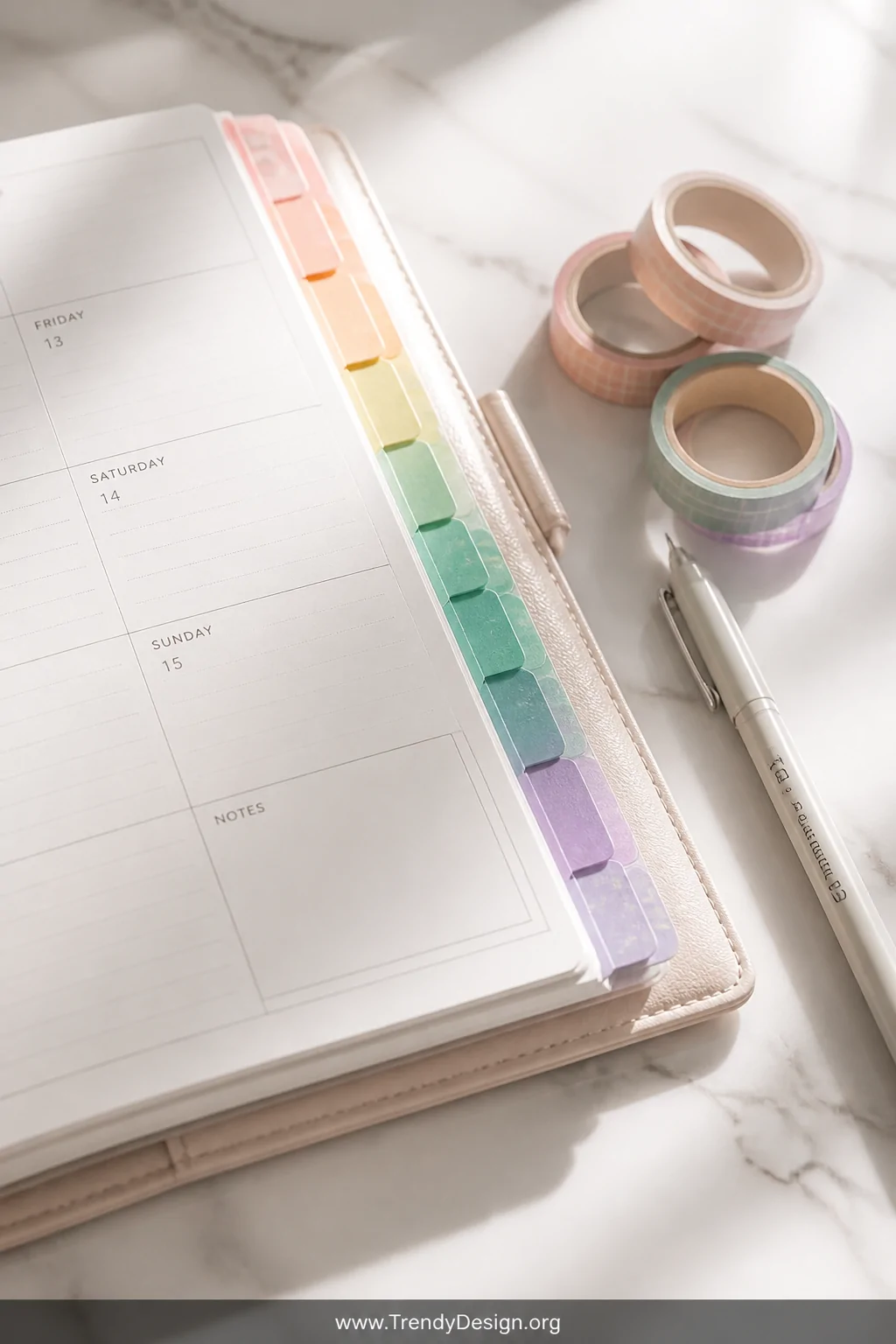
Color coding is not just pretty it’s genuinely functional and your future self will thank you for it. Assign a different color to each month so you can flip straight to March without reading a single label.
Use sticky tab dividers in rainbow order or pick a palette that matches your planner’s aesthetic. Either way, you’ll never lose a month again, and honestly, that alone is worth it.
- Pastel colors for a soft, calming look
- Bold primaries for high-contrast readability
- Neutral tones if you want that minimalist vibe
2. Weekly Priority Tabs to Stop Drowning in Your To-Do List
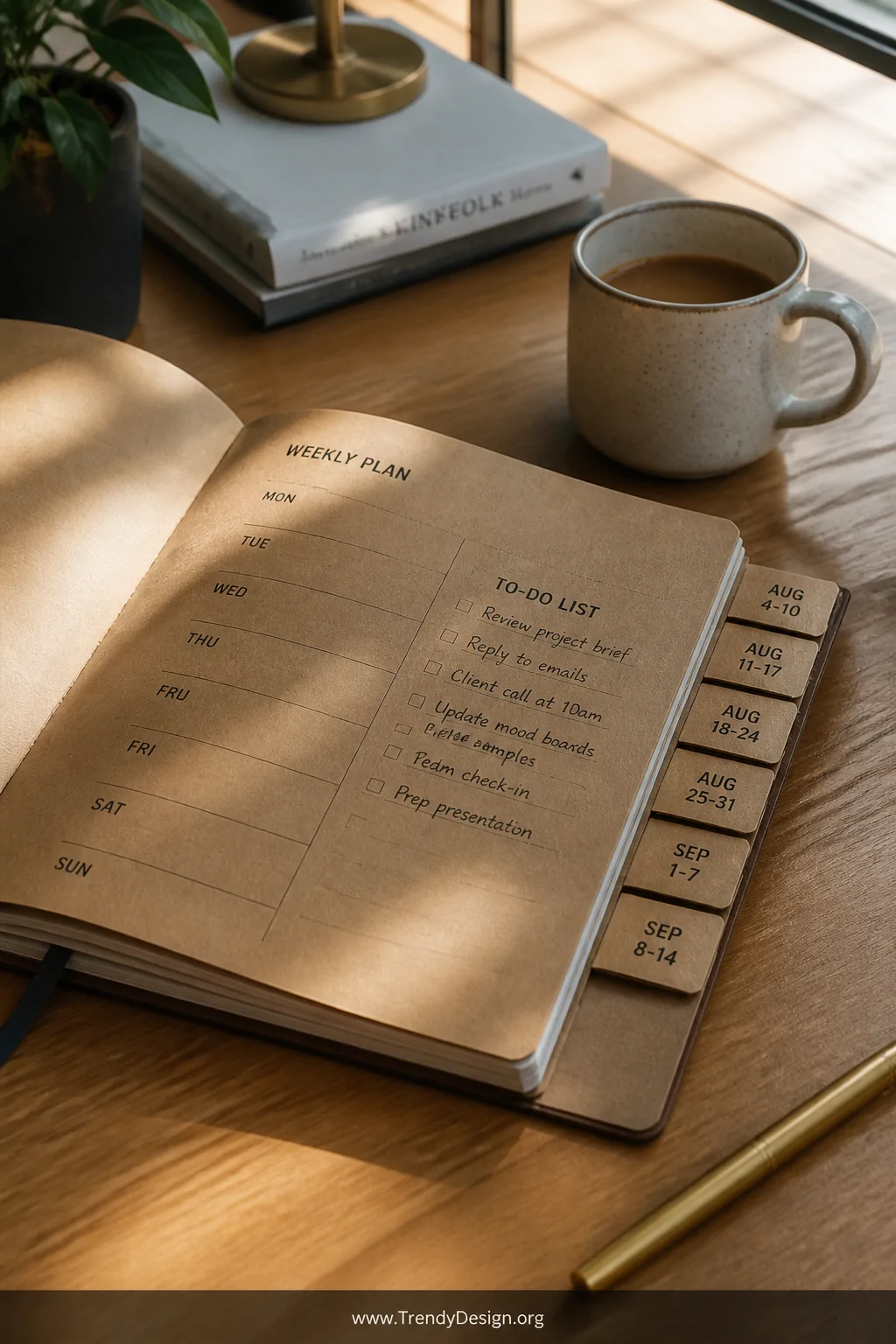
We’ve all written a to-do list so long it loops around the page twice. Weekly priority tabs solve this by giving each week its own dedicated section with a clear starting point.
Label these tabs by week number or date range and use them to house your top three non-negotiable tasks front and center. Suddenly, overwhelm turns into a manageable Monday morning game plan.
3. Budget and Finance Tabs Because Money Doesn’t Manage Itself
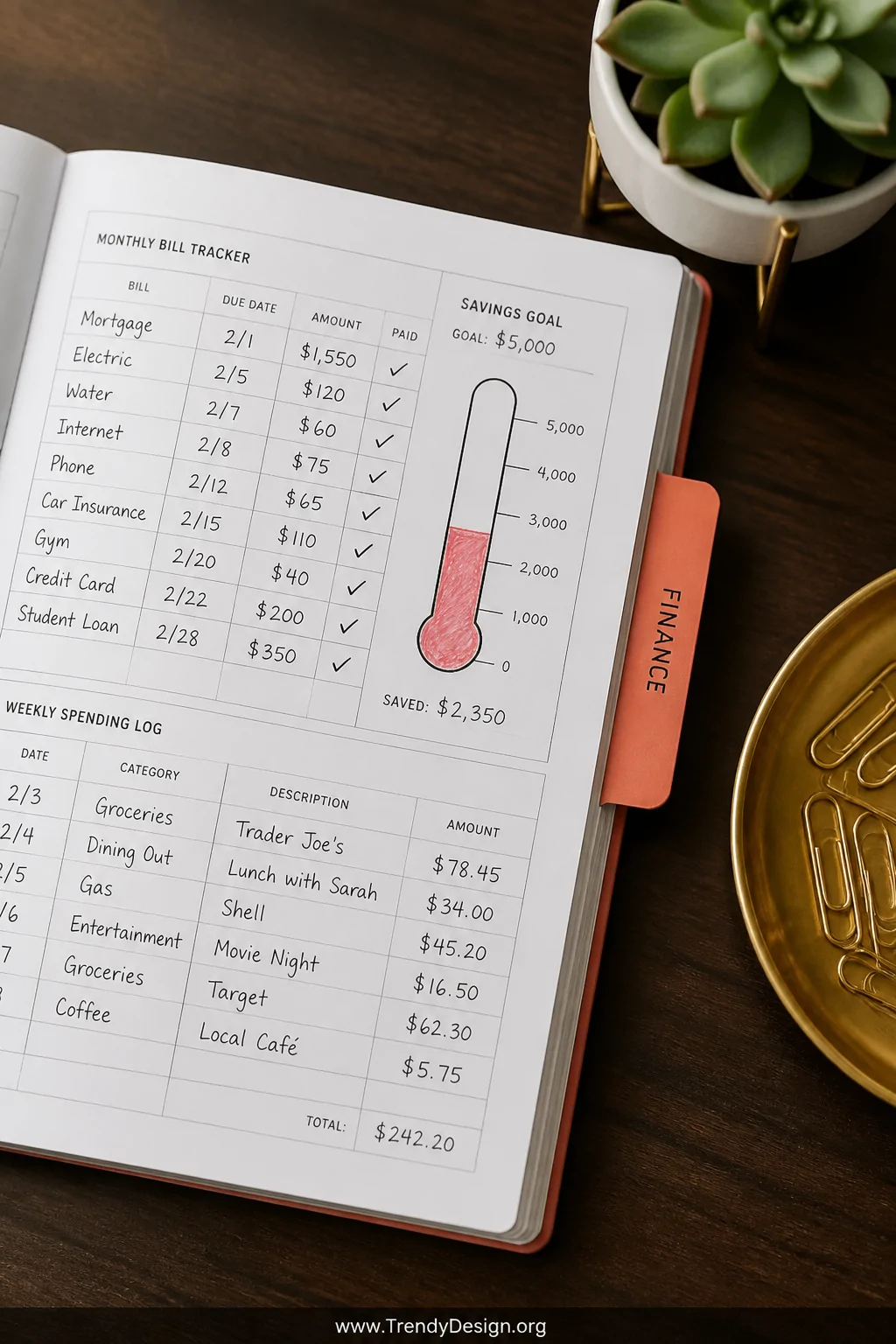
Surprise ignoring your budget doesn’t make it better. A dedicated finance tab in your planner creates a home for bills, savings goals, and spending trackers all in one spot.
Use a bright, distinct tab color for this section so it’s unmissable. FYI, once you start tracking weekly spending in your planner, you’ll quickly realize how many random online purchases are quietly draining your account.
- Monthly bill tracker page
- Savings goal thermometer or chart
- Weekly spending log
- Subscription audit checklist
4. Meal Planning Tabs That Make Dinner Actually Happen
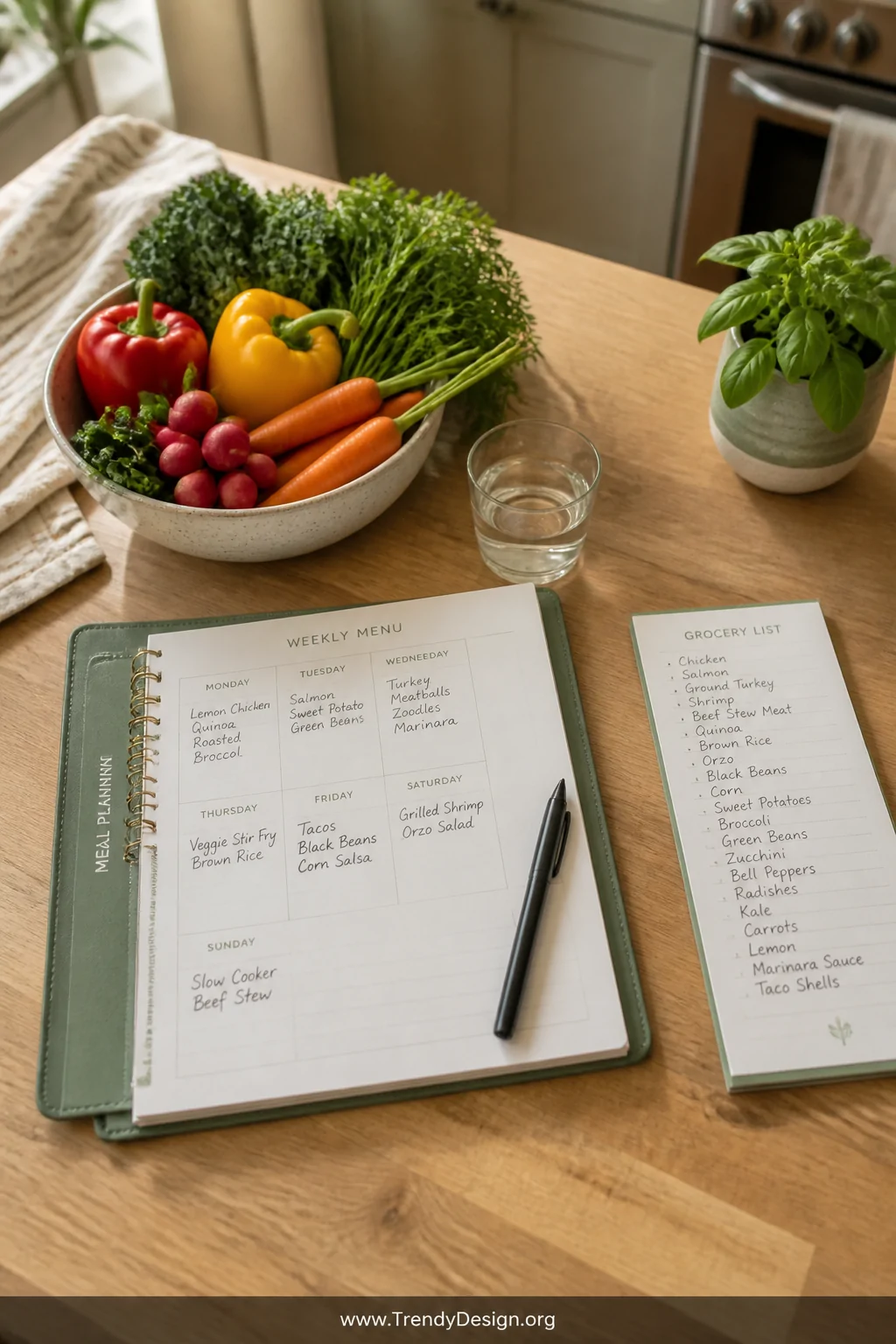
How many times have you stood in the kitchen at 6 PM staring blankly into the fridge? A meal planning tab ends that daily crisis before it even starts.
Dedicate a planner section to weekly menus, grocery lists, and even your favorite go-to recipes. Slot this tab right before your weekly spread so meal prep becomes a natural part of your Sunday planning ritual.
Bonus Tip: Pair It With Your Grocery Budget
Keep your meal planning tab next to your finance section and jot down estimated grocery costs per week. You’ll save money and stop buying seventeen things you already have at home.
5. Health and Wellness Tabs for the Self-Care You Keep Skipping
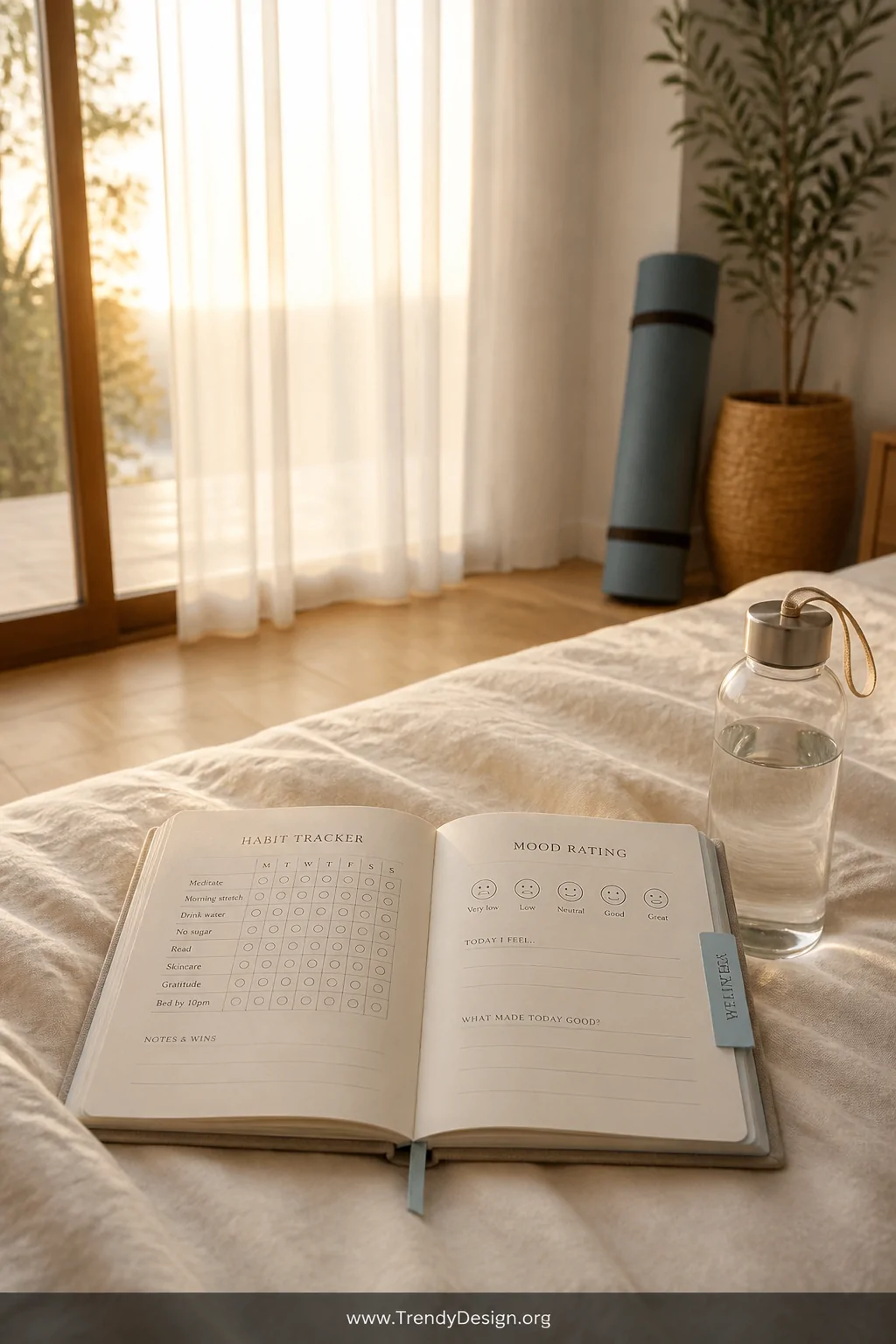
We all say self-care is a priority until it’s Wednesday and we’ve forgotten to drink water. A wellness tab in your planner keeps your health goals visible so they don’t quietly disappear into the chaos.
Use this section to track workouts, water intake, sleep schedules, and even mental health check-ins. When it’s written down and tabbed out, it feels real not just something you’ll “get around to eventually.”
- Habit tracker grids for daily routines
- Workout log with space for notes
- Mood tracker with a simple rating scale
- Medical appointments and medication reminders
6. Work and Career Tabs to Keep Professional Goals on Track
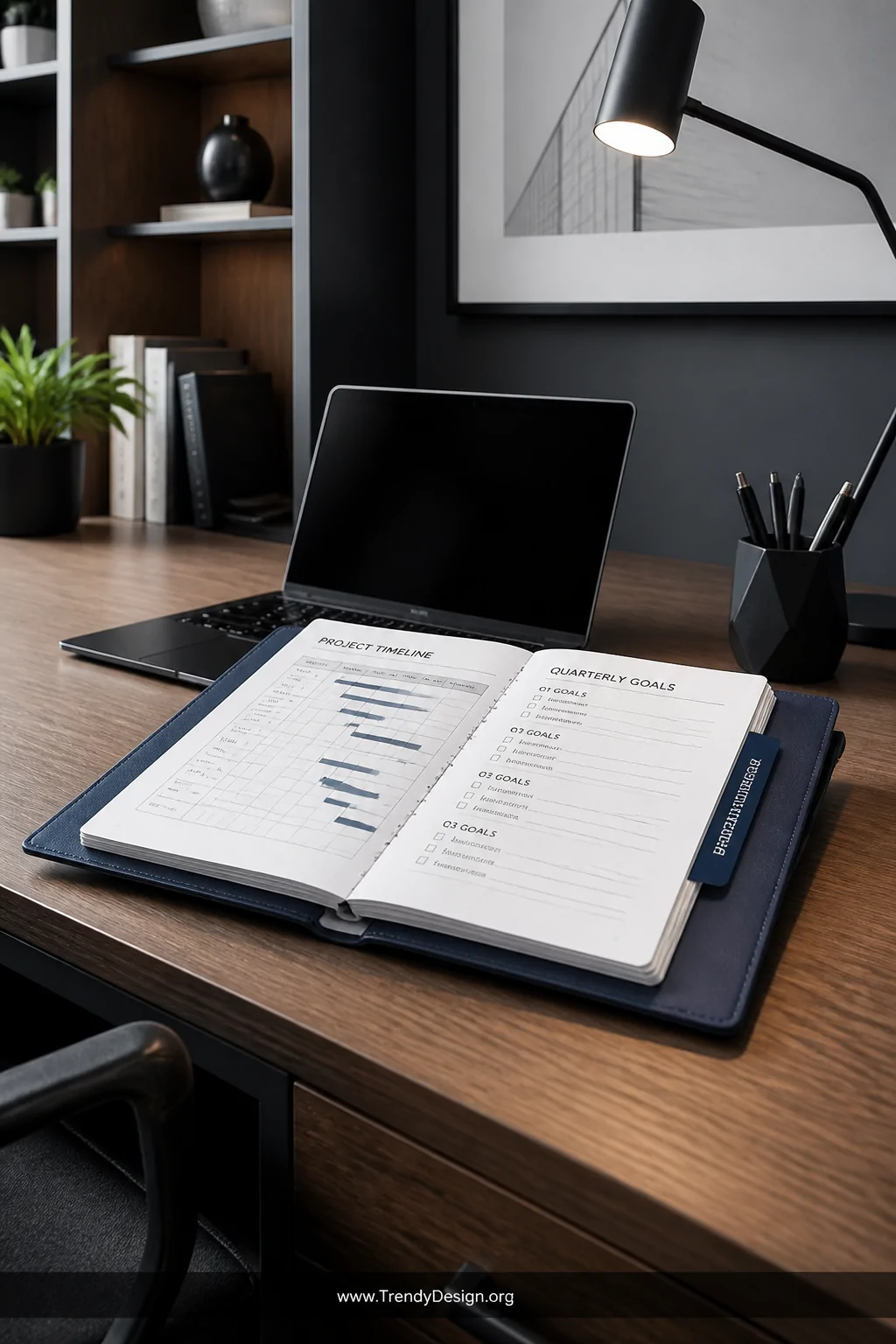
Your planner tabs ideas should absolutely include a dedicated career section, because mixing work tasks with personal chaos is a recipe for nothing getting done properly. Give your professional life its own real estate.
This tab can hold meeting notes, project timelines, quarterly goals, and even a running list of wins you can reference during your next performance review. IMO, that last one is the most underrated section anyone can add to a planner.
What to Include in Your Work Tab
- Weekly work priorities separate from personal tasks
- Project deadline tracker
- Networking contacts and follow-up reminders
- Professional development reading list
7. Goals and Vision Board Tabs for the Big Picture Thinker
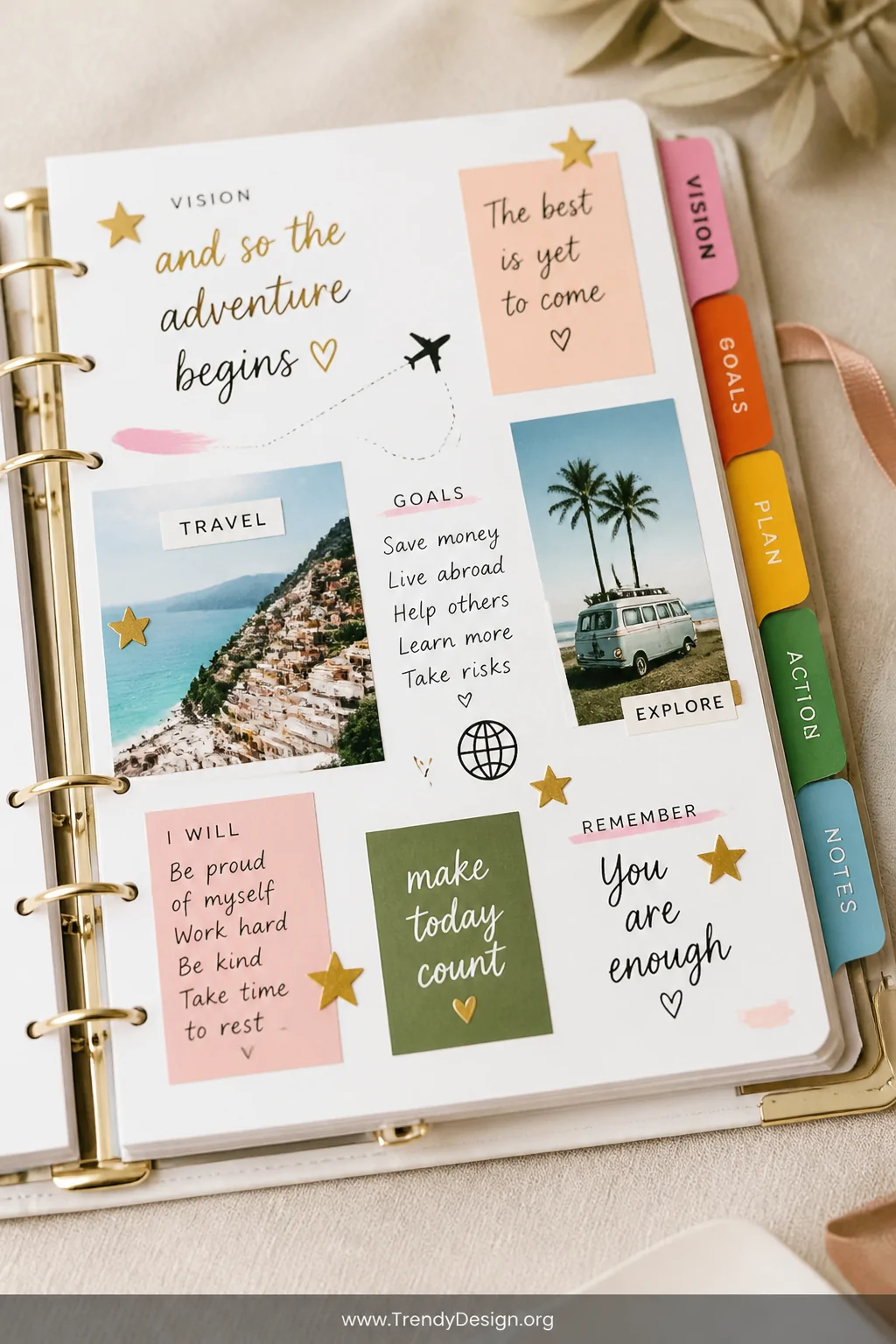
Not every planner section needs to be about immediate tasks some should be about the life you’re actually building. A goals tab keeps your long-term vision somewhere you’ll actually see it regularly.
Break your goals into categories like career, relationships, personal growth, and travel. Revisit this tab every month to check your progress and remind yourself why you’re doing all the planning in the first place.
Add motivational quotes, mini vision board cutouts, or even stickers that represent your goals. This section should feel exciting to open, not like homework.
8. Household and Home Management Tabs to Run Your Space Like a Pro
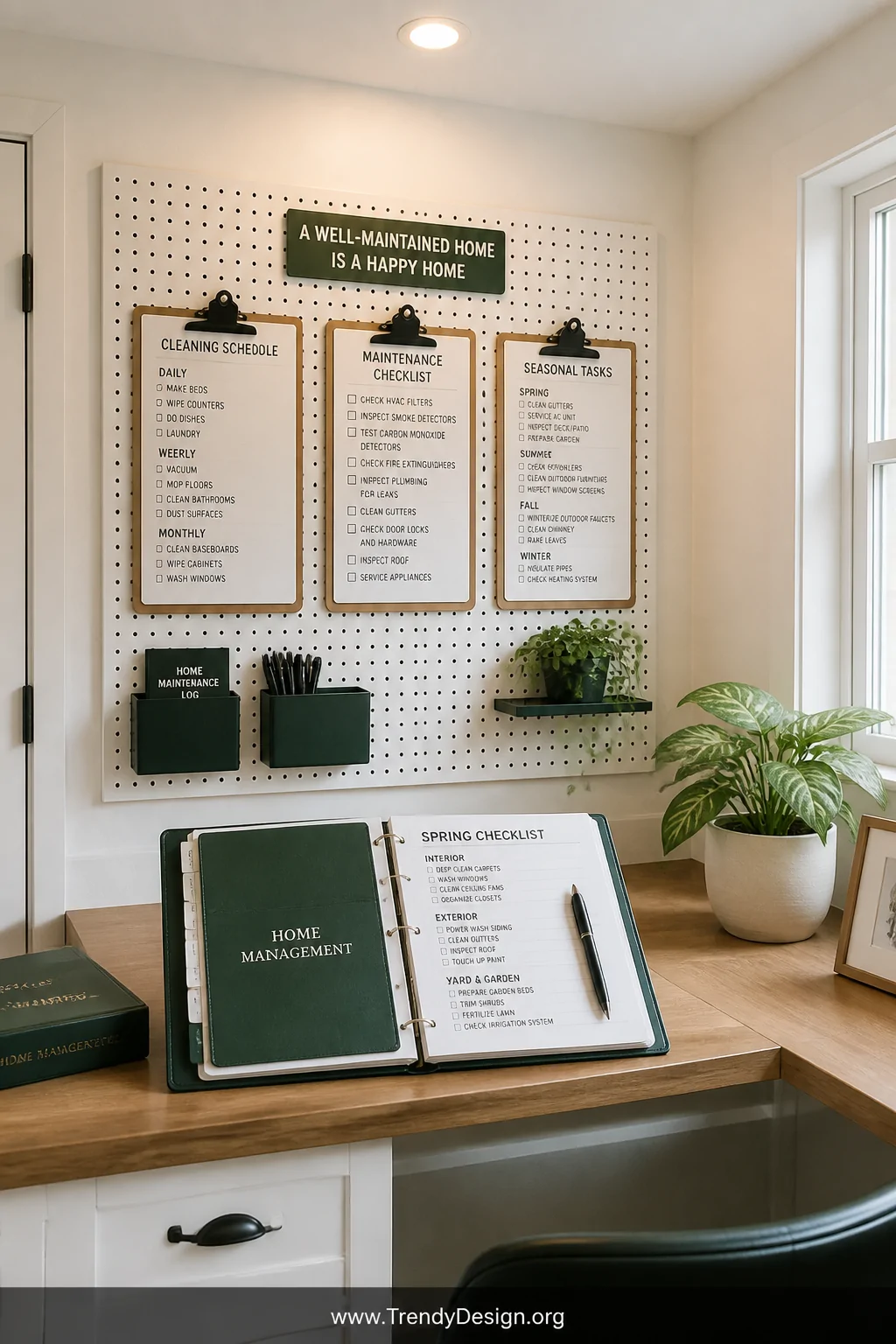
If your home feels like it’s running you instead of the other way around, a home management tab is genuinely life-changing. This is where all the house stuff lives so it stops living rent-free in your head.
Think cleaning schedules, home maintenance checklists, renovation wishlists, and even a running list of things that need fixing. When the dishwasher starts making that noise again, you’ll have a place to log it immediately instead of forgetting until it becomes an emergency.
- Seasonal cleaning checklist
- Home repair and maintenance log
- Renovation or decor wishlist
- Utility and service provider contacts
9. Personal Projects and Creative Tabs for Everything Else You Love
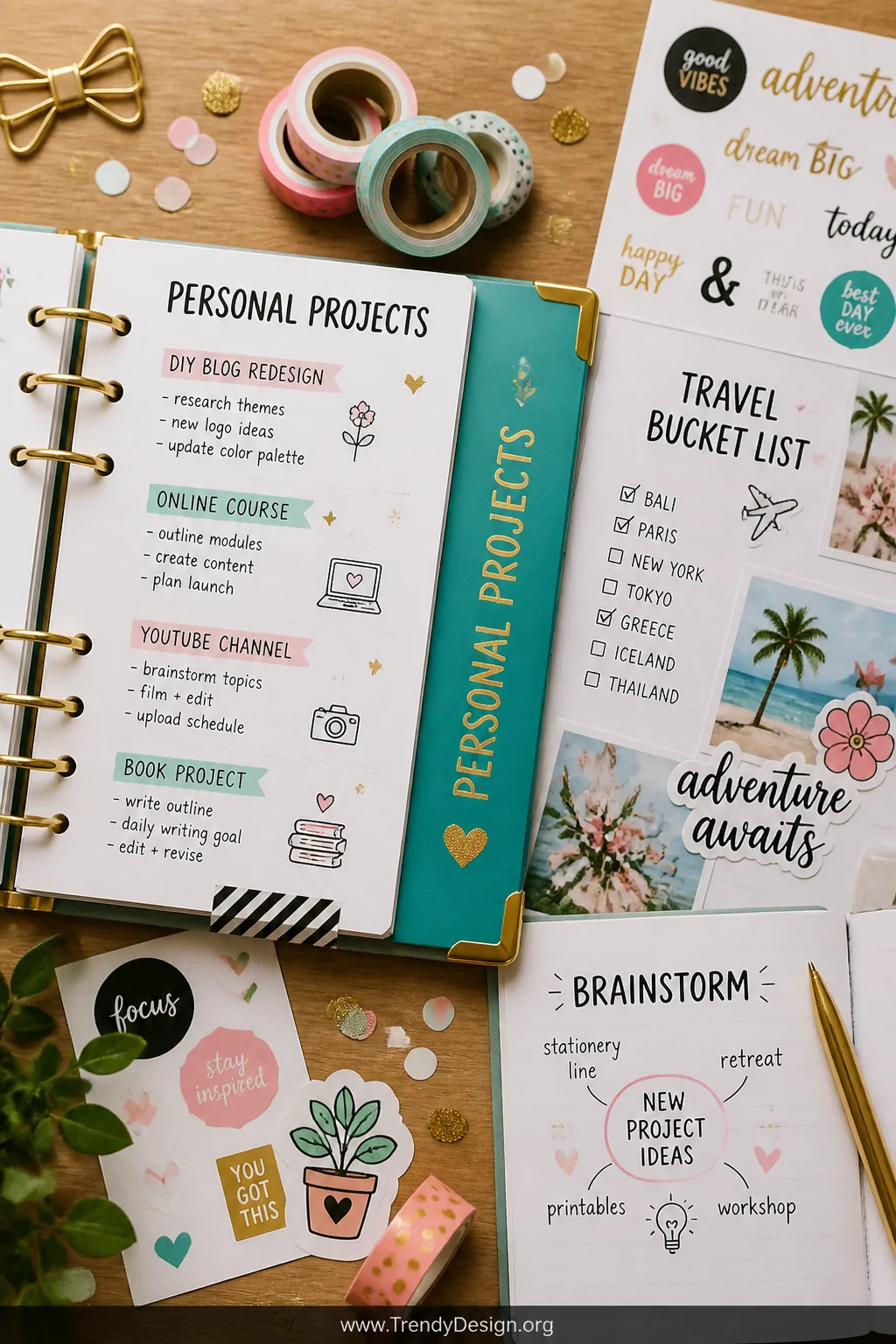
Here’s the tab most people forget to add the fun one. Your creative projects tab is for the book you’re writing, the garden you’re planning, the side hustle you’re building, or the hobby that brings you actual joy.
This section deserves its own space because creative goals often get buried under the “practical” stuff and then quietly disappear. Giving your passions a dedicated tab sends the message that they matter just as much as the grocery list.
Decorate this tab with your most fun stickers and colors it should feel completely different from the rest of your planner. After all, not everything in life needs to look like a spreadsheet.
Ideas for Your Creative Tab
- Reading and watchlist tracker
- Side project milestone checklist
- Travel bucket list with notes and inspiration
- Brainstorming pages for creative ideas
- Gift ideas for friends and family throughout the year
The right planner tabs ideas don’t just organize your schedule they organize your entire mindset around what actually matters to you. Whether you go all-in with custom tabs or start simple with three colored sticky dividers, the point is to build a system that actually works for your real life, not some imaginary perfectly-scheduled version of it.
Start with two or three tabs that feel most urgent right now and build from there. Your planner should grow with you, not stress you out and with the right sections in place, it absolutely will.
Leave a Reply