Let’s be honest your back has been sending you some strongly worded messages lately, and it’s time to actually listen. Working from home sounds like a dream until you realize you’ve been hunching over a laptop on the couch for six months straight. An ergonomic home office setup isn’t just a fancy phrase for expensive furniture it’s genuinely one of the best things you can do for your body and your productivity.
The good news? You don’t need to gut your entire home or spend a fortune to make meaningful changes. These five ideas are practical, stylish, and honestly kind of fun to implement. Your spine is already excited.
1. Invest in a Chair That Actually Supports You
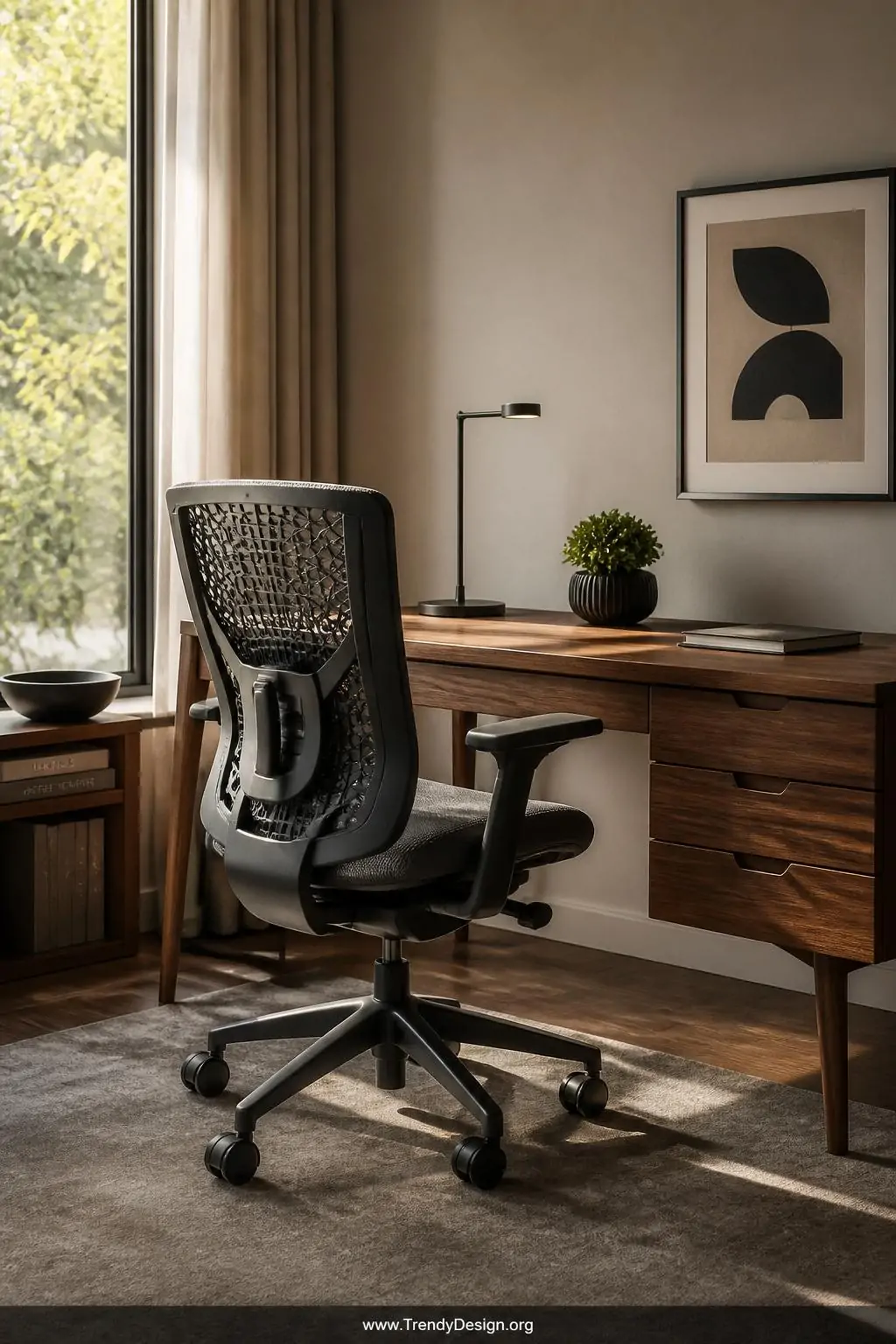
Your office chair is doing the heavy lifting every single day, so it deserves some serious attention. A good ergonomic chair should support the natural curve of your lower back, keep your feet flat on the floor, and allow your knees to sit at roughly a 90-degree angle. Think of it as the foundation of your entire setup.
You don’t have to spend thousands of dollars to find something worthwhile. There are plenty of mid-range chairs with adjustable lumbar support, armrests, and seat depth that will genuinely change how you feel at the end of a workday.
- Look for adjustable lumbar support that fits your specific back curve
- Armrests should let your shoulders relax, not shrug up toward your ears
- Seat depth matters you want two to three fingers of space between the seat edge and your knees
- Breathable mesh backs are a game-changer if you tend to run warm
2. Get Your Monitor Height Right
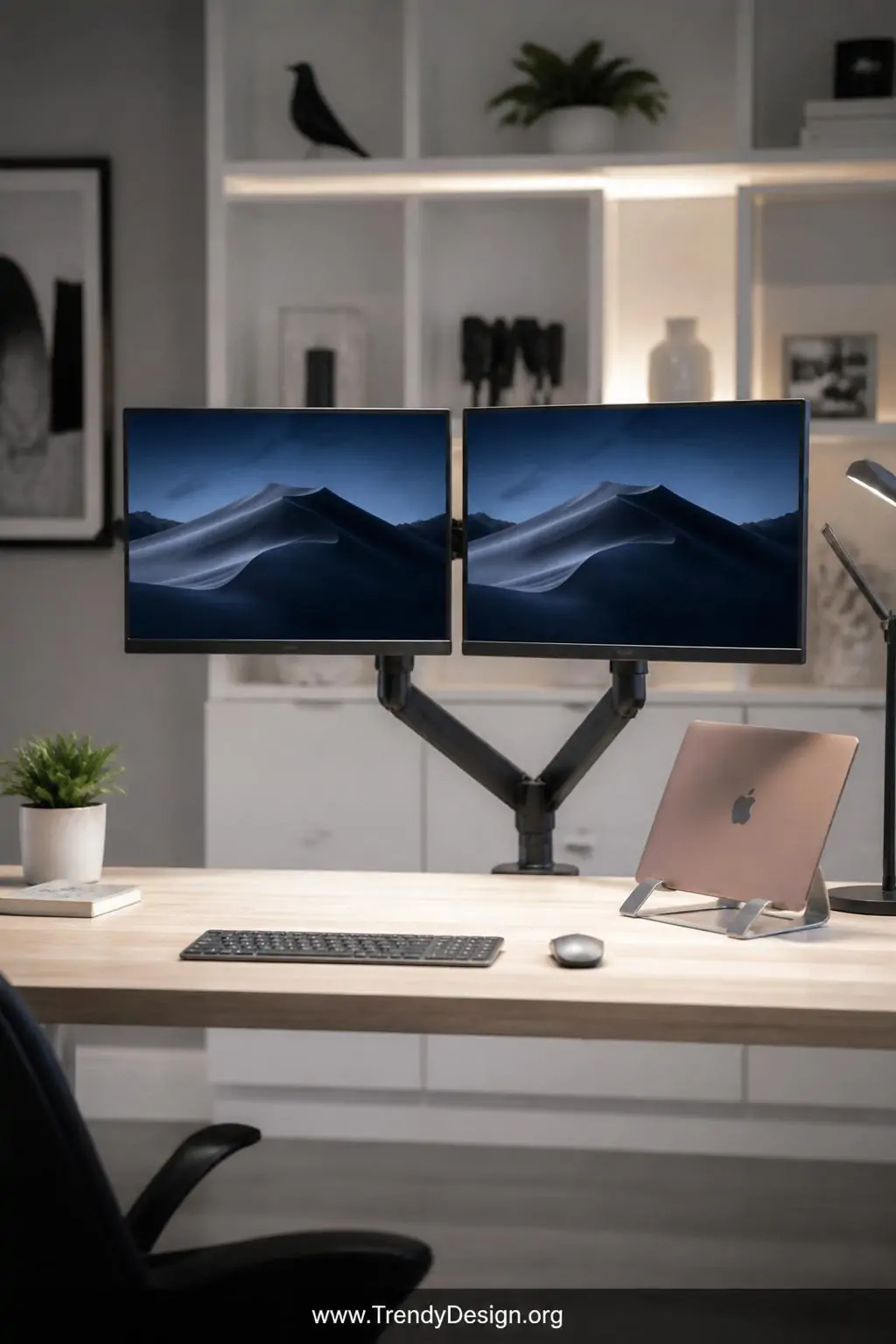
FYI, one of the sneakiest causes of neck and shoulder pain is a monitor that sits too low or too high. Your screen should be positioned so the top of the display is roughly at eye level, which keeps your head in a neutral position instead of constantly tilting up or down. It’s a small tweak that makes a massive difference.
If you’re working on a laptop, a laptop stand paired with an external keyboard and mouse is an absolute game-changer. Propping your screen up removes that awful hunched-forward posture that makes you feel 80 years old by lunchtime.
Quick Monitor Setup Checklist
- Position the screen an arm’s length away from your face
- Tilt the monitor back about 10 to 20 degrees to reduce glare
- Use a monitor riser or adjustable arm for easy height changes
- Place your most-used documents or second screen directly beside your primary display
3. Set Up a Standing Desk or Converter
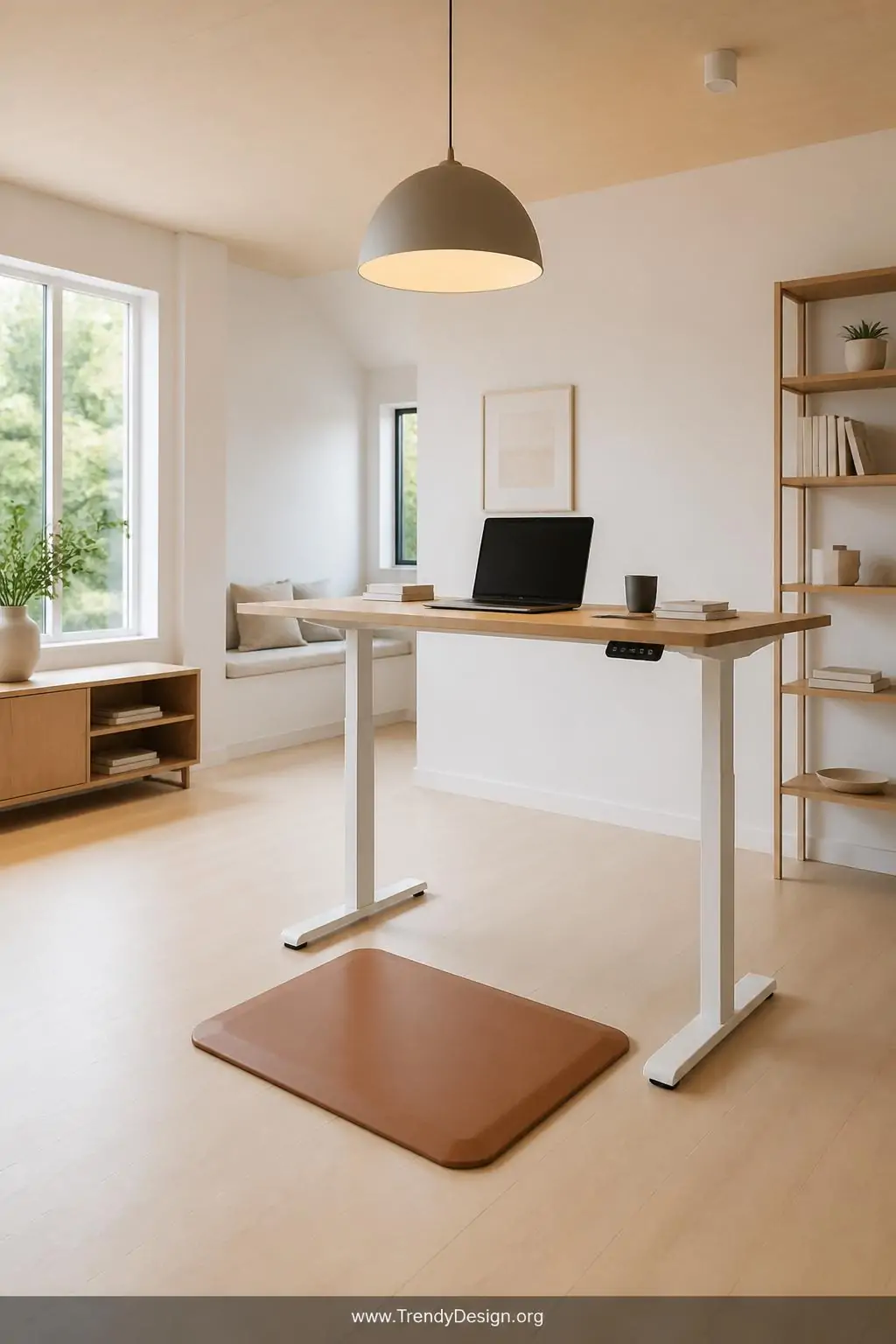
Sitting all day is genuinely tough on your body, and adding some standing time into your routine is one of the smartest moves for a solid ergonomic home office setup. A full sit-stand desk is the gold standard, but a desktop converter that sits on top of your existing desk works beautifully too. Either way, the goal is to alternate between sitting and standing throughout the day.
The sweet spot most ergonomic experts suggest is alternating every 30 to 60 minutes between sitting and standing. You don’t have to stand all day that’s actually not great for you either. Balance is everything, and your body will figure out its rhythm pretty quickly.
IMO, adding an anti-fatigue mat underneath your standing position is worth every penny. Your feet and lower back will feel the difference almost immediately, especially during those long afternoon stretches.
4. Organize Your Desk to Reduce Reaching and Twisting
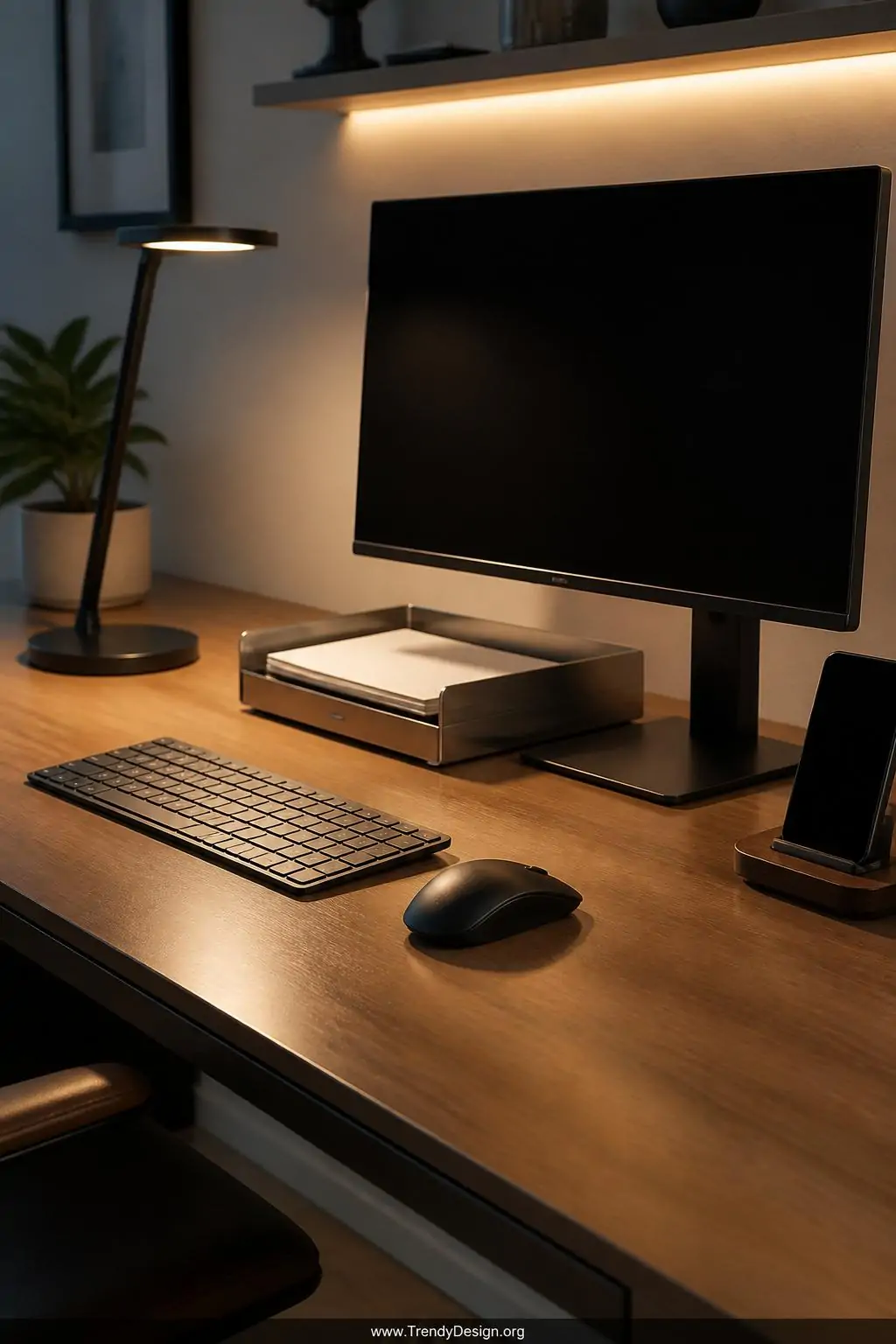
Here’s something people rarely think about the way your desk is organized directly impacts your posture. Constantly reaching across your desk for your mouse, phone, or coffee mug forces your spine into awkward twisting positions dozens of times a day. Keeping frequently used items within easy arm’s reach is a simple but powerful ergonomic principle.
Think about your “zones” when setting up your workspace. Everything you touch daily should live in your primary zone, which is the area you can reach without stretching or rotating. Items you use occasionally can sit a little further away. It sounds simple because it is, and it genuinely works wonders.
- Place your mouse and keyboard directly in front of you, shoulder-width apart
- Keep your phone on your dominant side within easy reach
- Use a document holder next to your monitor to avoid neck-twisting while referencing papers
- Manage cables to keep your workspace clear and reduce unnecessary reaching
5. Light Your Space to Protect Your Eyes and Posture
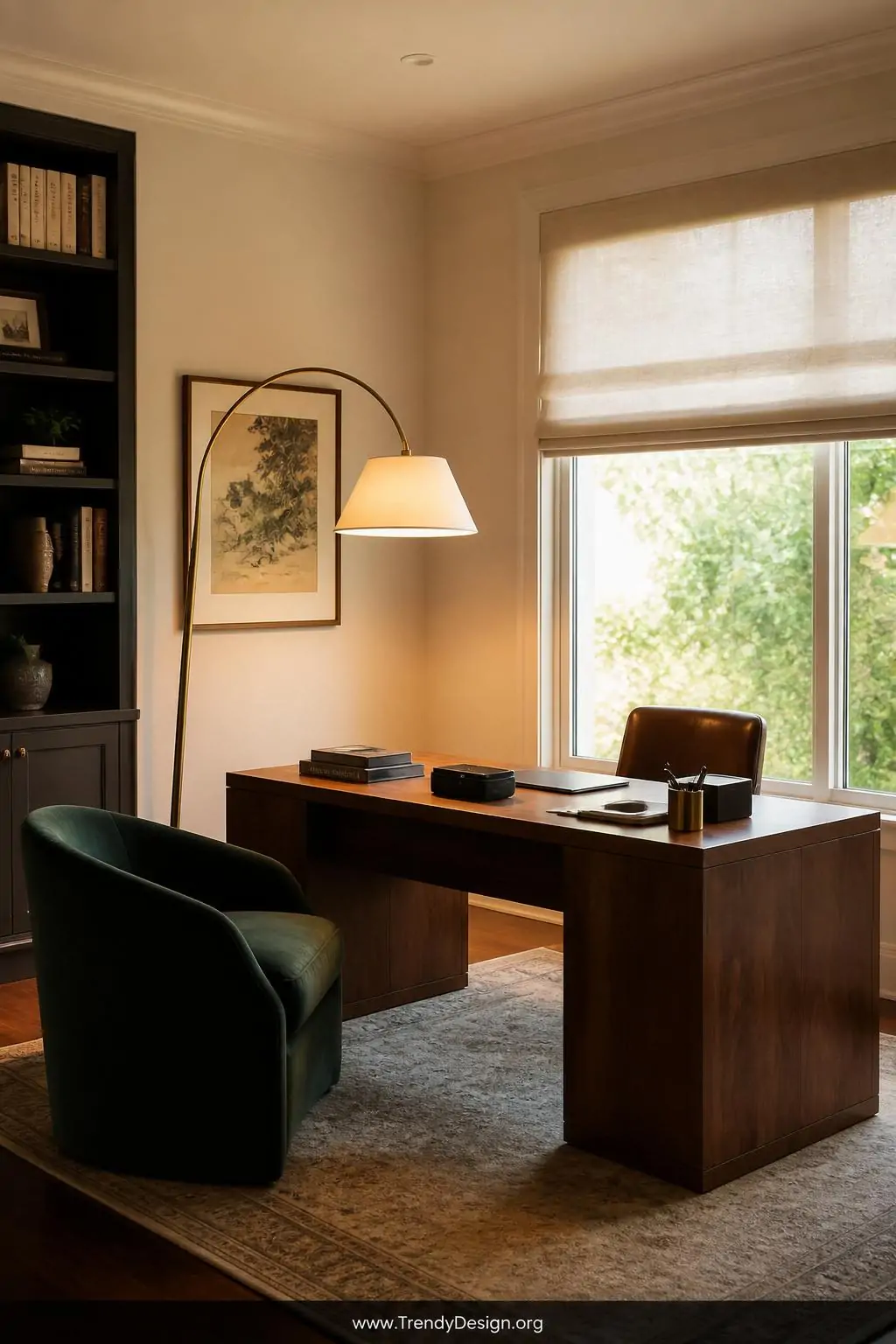
Lighting might feel like the last thing connected to back pain, but poor lighting actually causes you to lean forward and strain toward your screen without even realizing it. Natural light is always the best option, so positioning your desk perpendicular to a window gives you that gorgeous daylight without the glare hitting your screen directly.
Layer your lighting with a quality desk lamp that reduces harsh shadows on your work surface. Warm, diffused light keeps your eyes comfortable and naturally encourages you to sit back in your chair rather than squinting forward like you’re trying to read tiny print in a dark cave.
Your Back Deserves a Better Setup
Building a thoughtful ergonomic home office setup is genuinely one of the kindest things you can do for yourself as a remote worker. You don’t need to overhaul everything at once even tackling one or two of these ideas this week will start making a noticeable difference. Start with your chair height and monitor position, and go from there. Your future self and your very grateful spine will absolutely thank you for it.
Leave a Reply